Every website owner eventually faces the same dilemma: you want a professional, fast, visually impressive WordPress site — but premium themes cost anywhere from $49 to $299, and that’s before you’ve spent a rupee on hosting, plugins, or content creation.
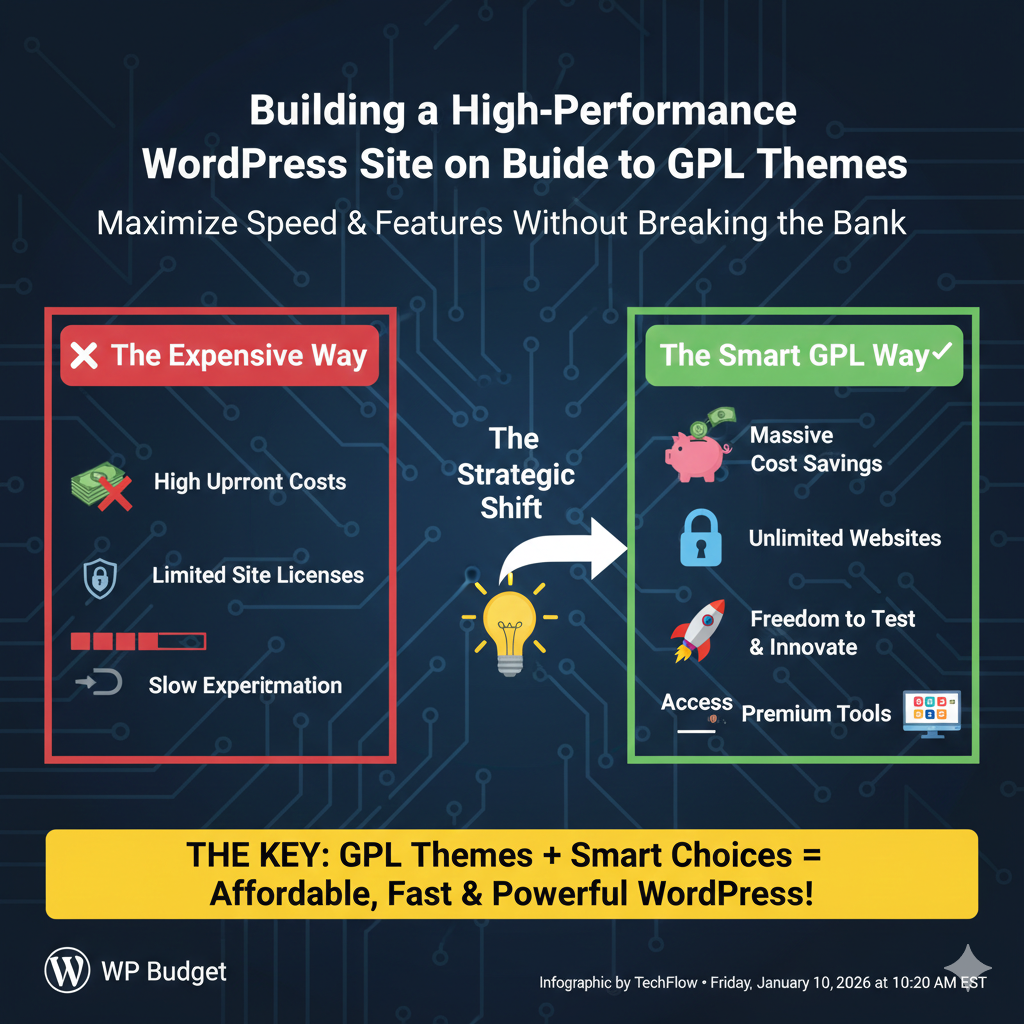
The good news is that the WordPress licensing model — specifically the General Public License (GPL) — creates a legitimate pathway to premium themes at a fraction of their retail price. And when you combine smart theme selection with solid performance practices, you can build a site that competes with those backed by enterprise budgets.
This guide walks you through everything: what GPL themes are, how to choose high-quality ones, how to configure them for speed, and how to avoid the most common mistakes budget-conscious site builders make.
Understanding GPL Themes: The Legal Foundation
Before diving into the practical side, it’s worth being clear on what you’re actually working with — because the confusion around GPL themes causes a lot of unnecessary hesitation.
WordPress is licensed under the GNU General Public License. Because themes run within the WordPress environment and hook into its core functions, they inherit this license for their PHP code. This isn’t a loophole or a gray area — it’s a legal requirement that the WordPress Foundation and Automattic have consistently enforced.
What this means practically: once a premium theme is legitimately purchased by anyone, the GPL grants the right to redistribute it. GPL redistribution platforms (commonly called “GPL clubs”) legally acquire premium themes and make them available to members, typically through a flat annual subscription.
The theme code is identical to what you’d buy from the original developer. What you don’t get is official support from the developer or automatic license-key-based updates. Everything else — the design, the features, the customization options — is exactly the same.
This is not piracy. Piracy involves circumventing explicit distribution restrictions. GPL explicitly removes those restrictions. The distinction is legally and ethically meaningful.
Why Theme Choice Is a Performance Decision, Not Just a Design Decision
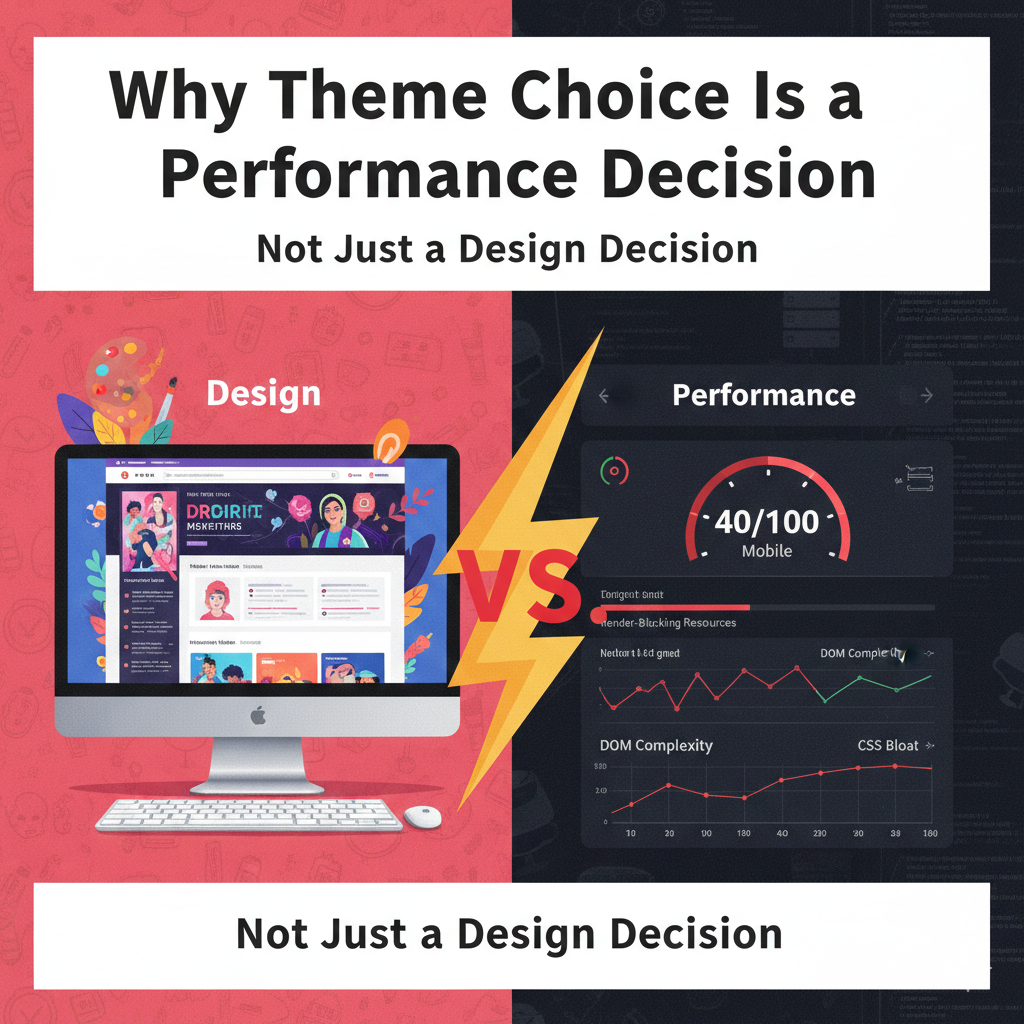
Most people treat theme selection as purely aesthetic: they browse previews, pick something that looks good, and move on. This is a mistake that costs you in page speed, Core Web Vitals scores, and ultimately search rankings.
Themes vary enormously in their performance characteristics, and a bloated theme can add seconds to your page load time regardless of how good your hosting is or how many caching plugins you install. Here’s what separates lightweight, high-performance themes from the rest:
DOM complexity. Heavy themes generate deeply nested HTML structures with hundreds of unnecessary elements. Every additional DOM node increases browser rendering time.
CSS bloat. Many premium themes load stylesheets for features you’ll never use — sliders, portfolio grids, WooCommerce layouts — even on pages that don’t need them.
JavaScript dependencies. Themes that depend on jQuery for basic functionality, autoplay scripts, and heavy animation libraries add significant blocking time to page loads.
Render-blocking resources. Themes that load CSS and JS in the document head without deferring or async loading block the browser from rendering any page content until those files download.
External font calls. Google Fonts loaded through @import rules in stylesheets are a notorious performance killer that many theme developers still use by default.
When evaluating any GPL theme — premium or free — run its demo through Google PageSpeed Insights and GTmetrix before committing. A theme that scores 40/100 on mobile before you’ve added any content is a performance liability you don’t want to inherit.
The Best GPL Themes for Performance-Focused Builds
Not all premium themes are created equal. Some are genuinely lightweight and developer-friendly. Others are feature-stuffed monsters that look impressive in demos but load like it’s 2009.
Here are the theme categories worth focusing on when building for performance:
Minimal Framework Themes
Themes like Astra, GeneratePress, and Kadence have built exceptional reputations specifically because of their performance focus. Astra, for example, generates less than 50KB of CSS/JS on a default install — a genuinely remarkable number for a feature-rich commercial theme.
These themes are designed to work as frameworks: they handle structure, typography, and layout, while you bring the design through a page builder or the block editor. The result is a clean, fast baseline that you build on top of rather than fight against.
All three are available through GPL redistribution platforms in their premium versions (Astra Pro, GeneratePress Premium, Kadence Pro), unlocking advanced header/footer builders, custom layouts, and WooCommerce enhancements.
Block-Based Themes
The WordPress block editor (Gutenberg) has matured significantly, and block-based themes — also called Full Site Editing (FSE) themes — represent the future of WordPress design. They’re typically lighter than traditional themes because they rely on WordPress core for most functionality rather than adding their own layer of CSS and JavaScript.
Blockbase, Ollie, and Frost are excellent examples. They’re free in the official repository, but their GPL nature means many premium variations are now appearing in GPL clubs as developers experiment with commercial FSE products.
If you’re building a new site in 2025, starting with an FSE theme and the block editor is the performance-forward choice.
Multipurpose Themes with Modular Architecture
Some multipurpose themes — the category that includes names like Avada, Divi, and Flatsome — have taken a modular approach to performance, loading only the CSS and scripts needed for each page rather than dumping everything on every page load.
Flatsome, particularly popular for WooCommerce builds, has made substantial progress on this front. Divi has introduced performance features including deferred JavaScript loading and critical CSS generation in recent versions.
These themes are substantially heavier than framework themes, but they come with powerful visual builders that dramatically reduce development time. If you’re building complex layouts — landing pages, sales funnels, portfolio sites — the trade-off may be worthwhile. Run the numbers on demo speed before deciding.
Setting Up Your GPL Theme for Maximum Performance
Choosing the right theme gets you to the starting line. Configuring it properly wins the race.
Step 1: Install Only What You Need
Many premium themes come bundled with a suite of demo content, recommended plugins, and pre-built page templates. Import what’s genuinely useful, then strip everything else. Unused demo content clutters your database. Bundled plugins you don’t use add unnecessary load.
Go through the theme options panel systematically. Disable any features you’re not using — custom post types, portfolio functionality, team members section, event calendars. Every disabled feature is one less thing loading on your pages.
Step 2: Configure Header, Footer, and Layout for Speed
Most performance-optimized premium themes give you control over how scripts and styles load. Look for these specific settings:
- Preload critical fonts rather than calling them at render time
- Self-host Google Fonts instead of calling Google’s CDN (many themes have a built-in option for this)
- Disable jQuery if the theme supports it and your plugins allow — many modern themes can run without jQuery on simple pages
- Enable critical CSS generation if the theme or a companion plugin supports it — this inlines above-the-fold styles and defers the rest
Step 3: Pair with a Dedicated Caching Solution
No theme, regardless of how well-coded, can compensate for a site that regenerates its HTML from scratch on every visit. Caching is non-negotiable for performance.
WP Rocket is the gold standard — and conveniently, it’s one of the most widely available products on GPL redistribution platforms. It handles page caching, browser caching, file minification, lazy loading, database optimization, and CDN integration from a single, well-designed interface.
If WP Rocket’s update/support model concerns you for a production site, LiteSpeed Cache is a genuinely excellent free alternative if your hosting supports LiteSpeed servers (many quality budget hosts do). W3 Total Cache and WP Super Cache are other solid options, though they require more manual configuration.
Step 4: Optimize Images Before Upload
No caching plugin or performance configuration can fully offset the damage of unoptimized images. A single hero image uploaded at 4MB will wreck your mobile scores regardless of everything else you do right.
Establish a workflow before you ever upload to WordPress:
- Resize images to their actual display dimensions before uploading — a 400px sidebar image should be 400px wide, not 3000px scaled down in CSS
- Convert to WebP format where possible — typically 25–35% smaller than equivalent JPEG with no perceptible quality difference
- Run through a compression tool (Squoosh, TinyPNG, ShortPixel) before upload
For images already in your media library, a plugin like ShortPixel or Smush can batch-compress and convert existing uploads.
Step 5: Choose Hosting That Matches Your Theme’s Architecture
Even the fastest theme delivers slow pages on inadequate hosting. Budget-conscious doesn’t have to mean bad hosting — it means choosing smartly.
For most sites under meaningful traffic, a quality shared hosting environment from providers like Hostinger, SiteGround, or Cloudways (managed cloud) offers excellent PHP performance at reasonable cost. Look specifically for:
- PHP 8.2+ — newer PHP versions deliver significant performance improvements over PHP 7.x
- OPcache enabled — pre-compiles PHP files so they don’t need to be parsed on every request
- HTTP/2 or HTTP/3 support — dramatically improves browser resource loading
- Server-level caching — many quality hosts offer server-side caching that supplements WordPress plugins
Combine decent hosting with a CDN (Cloudflare’s free tier is genuinely capable) and you’ve got the infrastructure layer sorted without significant expense.
Avoiding the Common Budget Site Mistakes
Building on a budget introduces specific failure modes that are worth knowing before you encounter them.
Stacking too many plugins. The flexibility that makes WordPress powerful also makes it easy to install 30 plugins without noticing. Each plugin adds database queries, PHP execution, and often JavaScript to every page load. Audit your plugin list regularly and remove anything that isn’t actively earning its place.
Using old GPL sources. Not all GPL redistribution platforms maintain their libraries well. Using an outdated version of a plugin or theme isn’t just a feature problem — it’s a security problem. Verify that your GPL source updates its library frequently and check version numbers against the developer’s official changelog.
Skipping staging environments. Budget site builders often update plugins and themes directly on live sites. This is an unnecessary risk. Many quality budget hosts include free staging environments. Use them.
Ignoring Core Web Vitals specifically. General speed is good, but Google’s ranking systems specifically evaluate Largest Contentful Paint (LCP), Cumulative Layout Shift (CLS), and Interaction to Next Paint (INP). Your theme choices directly affect all three. Understand what each measures and check your scores in Google Search Console regularly.
Over-relying on page builders for simple pages. Page builders like Elementor or Divi are powerful but add weight. For standard blog posts, simple landing pages, or pages with minimal custom layout requirements, the native WordPress block editor will deliver faster pages with less complexity. Reserve the page builder for pages that genuinely need its flexibility.
The Total Cost Picture
A realistic budget WordPress site using GPL themes and plugins might look like this:
Quality shared or cloud hosting runs ₹300–₹800/month for a starter plan. A domain name costs roughly ₹800–₹1,200/year. A GPL club membership providing access to hundreds of premium themes and plugins costs ₹500–₹2,000/year. A basic SSL certificate comes free with most hosts.
Total first-year cost: approximately ₹7,000–₹15,000 depending on hosting tier.
A comparable site using retail-licensed premium products — just accounting for theme, page builder, SEO plugin, caching plugin, and image optimization plugin — could easily run ₹25,000–₹40,000 in annual licensing alone.
The performance outcome of both approaches, when executed well, can be nearly identical. Building a high-performance WordPress site on a budget is genuinely achievable. It requires care in theme selection, disciplined configuration, and staying current with updates — but none of that requires significant financial investment.
For entrepreneurs and small businesses who are simultaneously managing their online presence and their broader digital footprint — making sure new content gets properly indexed, tracking how their brand competes in search — having access to a sitemap generation tool alongside a well-configured WordPress site creates a meaningful edge without meaningfully increasing costs.
The tools exist. The knowledge is accessible. The only thing between you and a fast, professional WordPress site is knowing where to look — and now you do.